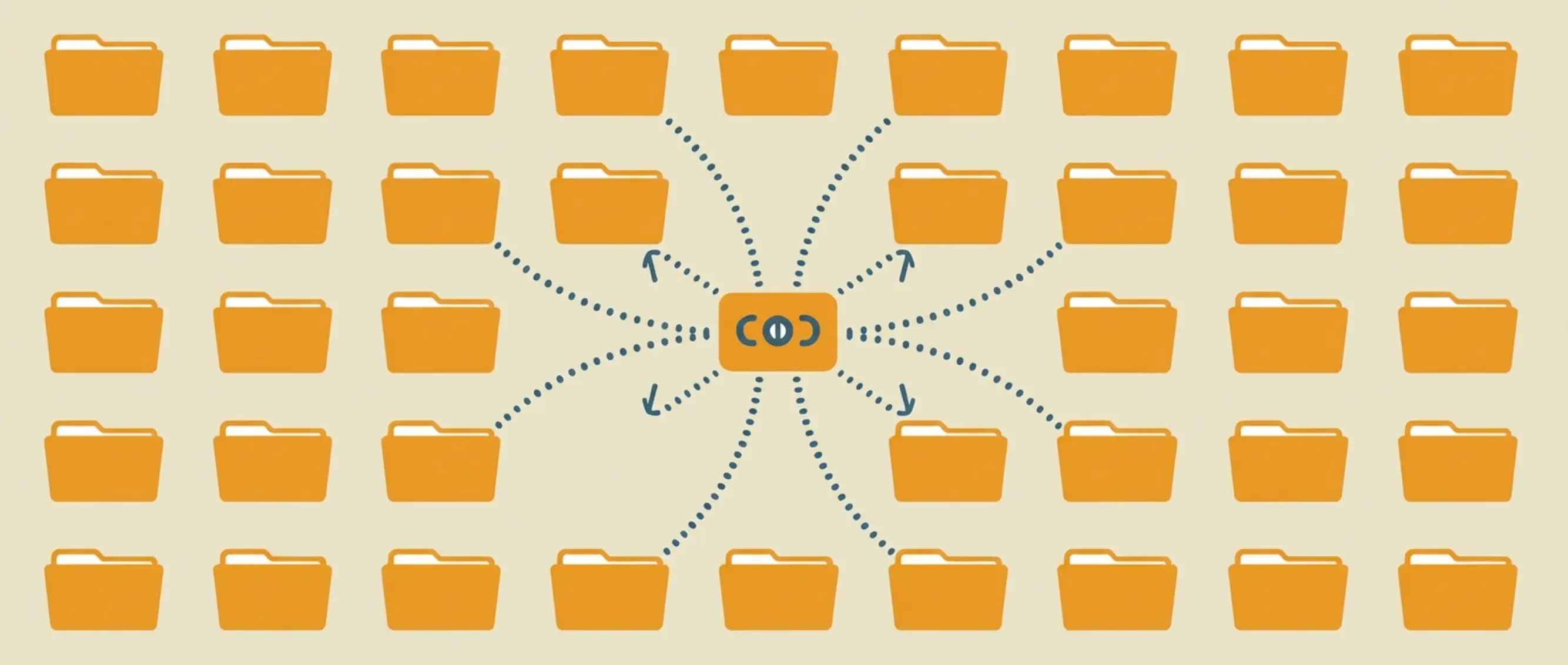
Claude Skills are quietly changing how developers, marketers, and teams get work done with AI. In fact, the skills ecosystem has already grown to 69,000+ installable skills — with the top skill hitting 271,000 installs in just four months. In this guide, we break down everything you need to know about Claude Skills in 2026.
What Are Claude Skills?
A Claude Skill is a folder of instructions, examples, and reference files that teach an AI agent how to handle a specific task — like creating Word documents, writing React code, or building a marketing campaign.
Think of it this way:
Without a skill, asking Claude to create a PowerPoint is like asking someone who's never seen PowerPoint to make a presentation. They'll try. But the result won't be great.
With the right skill installed, Claude gets a detailed playbook. Step-by-step instructions. Templates. Best practices. Even code to run.
The result? Much better output.
Here's the deal:
Skills aren't apps. They don't require API keys or complex setup. And a skill isn't the whole package either — one skill is a single piece, and Agent Plugins is the 2026 open standard for bundling several of them together.
They're simple text files — usually a single Markdown file called SKILL.md — that Claude reads before working on a task.
That's it.
Anthropic introduced Agent Skills in October 2025. Two months later, they published the format as an open standard — meaning any AI agent can use the same skills.
And the ecosystem took off fast.
How Do Claude Skills Work?
This is the part most people get wrong.
They think skills are like Chrome extensions or Slack apps — heavy, complicated things you need to configure.
In reality, the system is super simple.
Here's how it works in three steps:
Step 1: Claude Scans Available Skills
When you start a conversation, Claude checks a skills directory on your machine (or in the cloud). It loads just the name and description of each skill — roughly 50-100 tokens per skill.
This is lightweight. Even with 20 skills installed, the overhead is minimal.
Step 2: Claude Decides Which Skill to Use
Based on your request, Claude automatically picks the right skill.
Ask it to create a Word document? It loads the docx skill. Ask it to build a React component? It loads the frontend-design skill. Ask it to write a marketing email? It loads the copywriting skill.
You don't need to tell Claude which skill to use. It figures that out on its own.
Step 3: Claude Reads the Full Instructions
Once activated, Claude reads the entire SKILL.md file — and follows those instructions while completing your task.
This is where the magic happens.
A good skill doesn't just say "make a Word doc." It includes the exact library to use, which functions to call, how to format tables, how to handle fonts, and even which pitfalls to avoid.
The result? Output that actually works. Not "kind of close." Not "needs a bunch of editing." Actually production-ready.
Pro Tip: You can install up to 8 skills per API request. And in Claude.ai projects, you can add custom skills that load automatically for every conversation in that project. This is huge for teams that want consistent output across their workflows.
Skills vs MCP Servers: What's the Difference?
This is the most common question in the skills ecosystem right now.
Both skills and MCP (Model Context Protocol) servers extend what AI agents can do. But they work in very different ways.
Here's the simplest way to think about it:
Skills = Knowledge. They teach Claude HOW to do something well.
MCP Servers = Access. They give Claude the ability to interact with external tools and services.
Let me give you a real example.
Say you want Claude to help manage your GitHub issues.
The GitHub MCP Server gives Claude access to your repos, issues, and pull requests. It can read data, create issues, and close PRs.
But a GitHub workflow skill teaches Claude the best way to triage issues, write clear descriptions, and follow your team's conventions.
One gives access. The other gives expertise.
The most powerful workflows combine both. A Stripe MCP Server connects Claude to your payment data. A finance skill teaches Claude how to analyze that data, spot anomalies, and generate reports your CFO actually wants to read.
We curate both skills and MCP servers in one place. Browse our MCP Servers directory to find 190+ integrations from GitHub, Stripe, AWS, Notion, and more.
How to Install Claude Skills
Installing a skill takes less than 30 seconds.
And the best part? The same skill works across 18+ AI agent platforms — not just Claude.
Since Anthropic published skills as an open standard in December 2025, they've been adopted by Claude Code, OpenAI Codex CLI, Cursor, GitHub Copilot, Gemini CLI, Windsurf, Roo Code, and many more.
One skill. Everywhere.
Method 1: Using the skills.sh CLI (Fastest)
The quickest way to install any skill:
npx skills add vercel-labs/agent-skills@vercel-react-best-practicesThat's it. The skill gets downloaded and placed in the correct directory for your platform.
Method 2: Manual Installation
Every skill is just a folder with a SKILL.md file inside it. You can manually copy it into your agent's skill directory:
- Claude Code:
.claude/skills/ - Cursor:
.cursor/skills/ - OpenAI Codex:
.codex/skills/ - Gemini CLI:
.gemini/skills/
Pro Tip: For teams, add skills to your Git repo's .claude/skills/ directory. Everyone who clones the repo gets the same skills — and they version-control with the rest of your code.
Method 3: Claude.ai Projects (No CLI Required)
If you use Claude.ai (the web app), you don't need a terminal at all.
Go to any project → open Project Knowledge → upload your SKILL.md file. Done.
Claude will automatically use that skill in every conversation within that project.
The 10 Most Popular Skills Right Now
Here are the most-used skills in the entire ecosystem, based on the latest install data:
| # | Skill | Installs | What It Does |
|---|---|---|---|
| 1 | find-skills | 271,400 | Meta-skill: discovers and installs other skills |
| 2 | react-best-practices | 148,900 | React hooks, composition, and performance |
| 3 | web-design-guidelines | 112,700 | Comprehensive web design standards |
| 4 | remotion-best-practices | 100,100 | Programmatic video creation with React |
| 5 | frontend-design | 82,700 | Avoids "AI slop" — bold, intentional UI design |
| 6 | composition-patterns | 48,400 | Scalable React composition patterns |
| 7 | skill-creator | 40,300 | Interactive tool for building new skills |
| 8 | react-native-skills | 34,300 | React Native performance patterns |
| 9 | brainstorming | 24,400 | Socratic design refinement for ideas |
| 10 | copywriting | 16,700 | Direct-response copywriting for landing pages |
A few things stand out:
Frontend dominates. Seven of the top 10 skills are related to building user interfaces.
Vercel Labs is the 800-pound gorilla. They're responsible for 5 of the top 10 most-installed skills.
Marketing skills have massive adoption. The copywriting skill is part of a 23-skill marketing suite that's collectively been installed over 150,000 times.
Skills by Category: Finding What You Need
The ecosystem covers a lot of ground. Here's a breakdown of the major categories with standout skills in each.
Web Development & Frontend
The largest category. Frontend skills produce the most dramatic quality improvement — the difference between generic "AI slop" and interfaces that actually look professional.
react-best-practices(Vercel Labs) — 149K installsfrontend-design(Anthropic) — 83K installs, especially good at avoiding the "AI-generated" lookshadcn-ui(Google Labs) — builds components with shadcn/ui best practices
Content & Marketing
The breakout category of 2026. coreyhaines31's marketing suite is a complete toolkit: copywriting, content-strategy, marketing-psychology, social-content, seo-audit, and 18 more.
Security
Trail of Bits published 22 security skills — the largest security-focused collection. Research shows 88% of MCP servers require credentials, and 53% use insecure static secrets. Security skills aren't optional.
Code Quality & Workflows
obra/superpowers (41K GitHub stars) is the de facto standard for development workflows. Their approach covers brainstorming → writing plans → executing → TDD → code review.
DevOps & Infrastructure
Cloudflare alone has 13+ official skills and MCP servers for deployment, Workers, AI agents, and edge computing.
Document Creation
Anthropic's built-in skills for docx, pdf, pptx, and xlsx are available to all paid users automatically.
Want to browse every skill? Head over to our complete directory — we curate the best skills AND MCP servers in one place.
How to Create Your Own Skill
Creating a skill is much simpler than you'd expect. No SDK. No build step. No deployment pipeline.
You write a Markdown file. That's the whole thing.
The Anatomy of a SKILL.md File
Every skill has two parts:
1. YAML Frontmatter — the metadata at the top:
---
name: my-custom-skill
description: "Brief description of what this skill does"
---
2. Instructions — everything below the frontmatter. Include: when the skill should activate, step-by-step instructions, code templates, common mistakes to avoid, and examples of good vs bad output.
The 5-Minute Skill Creation Framework
- Identify a task you keep asking Claude to do repeatedly.
- Write out the instructions you'd give a smart new hire doing this task for the first time.
- Add examples — show what good output looks like and what bad output looks like.
- Save it as
SKILL.mdin your skills directory. - Test it. Refine based on output. Most great skills go through 3-5 rounds of refinement.
Pro Tip: Anthropic's skill-creator skill (40K installs) is an interactive tool that walks you through building a skill with a Q&A conversation. A skill that helps you make skills.
Best Practices for Using Skills
After analyzing hundreds of skills across the ecosystem, here are the patterns that separate the best skills from the rest.
1. Write Trigger Descriptions That Actually Work
The description field in your YAML frontmatter is critical. This is what Claude reads to decide whether to activate your skill.
"A skill for documents"
"Use this skill whenever the user wants to create, read, edit, or manipulate Word documents (.docx files)..."
2. Include Anti-Patterns
The best skills don't just tell Claude what to do — they tell Claude what not to do.
- "Never use unicode bullets — use LevelFormat.BULLET"
- "Never use \n — use separate Paragraph elements"
- "Always set table width with DXA — never use WidthType.PERCENTAGE"
3. Use Progressive Disclosure
Don't dump 10,000 words of instructions into a single skill. Structure your skill so Claude reads the overview first, then dives deeper only when needed.
4. Version-Control Your Skills
Skills evolve. Put them in Git. Track changes. This is especially important for teams where multiple people depend on the same skill producing consistent output.
5. Combine Skills with MCP Servers
This is the unlock most people miss. A skill alone teaches Claude how to do something well. An MCP server alone gives Claude access to tools and data. Together, they create genuinely powerful workflows.
Example stack: content-strategy skill + Notion MCP Server + seo-audit skill = an AI marketing assistant that creates content plans directly in your Notion workspace, optimized for search from the start.
FAQ
Now It's Your Turn
Claude Skills went from a Claude-only feature to an industry-wide open standard in just two months. With 69,000+ skills already available, there's almost certainly a skill that can improve how you work with AI. Browse our complete directory at AgenticSkills.io to find the best skills and MCP servers — curated, rated, and organized.
Browse All Skills