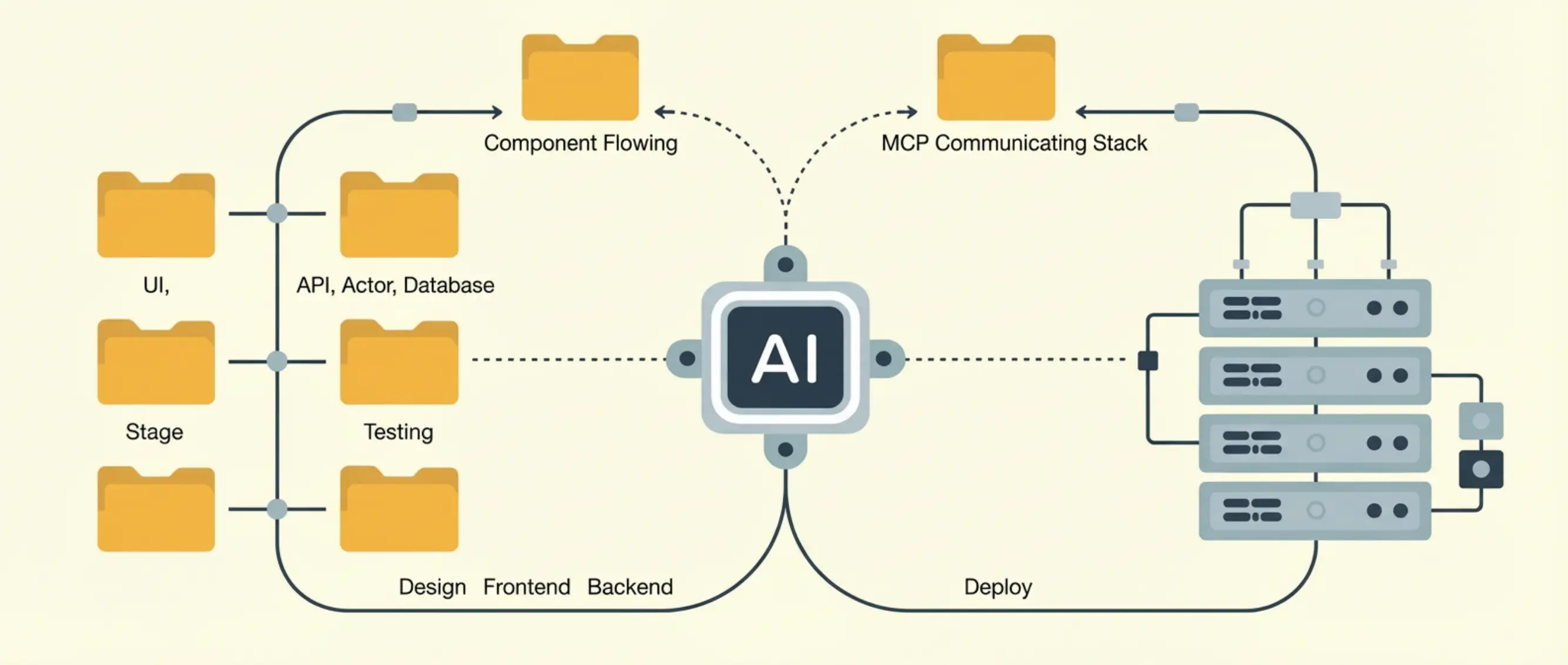
Most developers use AI agents in fragments. A skill here. An MCP server there. One tool for writing code, a different one for the database, another for deployment. Nothing connected. No coherent workflow. But here’s what happens when you stack skills and MCP servers together into a single, integrated pipeline: your AI agent goes from writing code to querying your database to deploying a live preview — in one session, without you switching tools. The complete stack: 6 skills + 4 MCP servers working together to take a project from idea to live URL. Every component is free, open source, and installable in minutes.
The Architecture
Here's the full stack at a glance:
| Layer | Component | Type | What It Does |
|---|---|---|---|
| Frontend | react-best-practices | Skill | Modern React patterns and performance |
| Frontend | frontend-design | Skill | Bold, non-generic UI design |
| Frontend | Next.js bundled docs | Framework | App Router optimization — ships with 16.3+ |
| Database | supabase-postgres-best-practices | Skill | PostgreSQL optimization and RLS policies |
| Database | Supabase MCP | MCP Server | Live database access (query, migrate, manage) |
| Auth | better-auth-best-practices | Skill | Authentication flow patterns |
| Monitoring | Sentry MCP | MCP Server | Error tracking and performance data |
| Version Control | GitHub MCP | MCP Server | Repo access, issues, PRs |
| Deployment | deploy-to-vercel | Skill | Deployment configuration and optimization |
| Deployment | Vercel MCP | MCP Server | Live deployment, preview URLs, logs |
6 skills provide the expertise. 4 MCP servers provide the access.
Together, they cover every step from writing code to shipping a live application.
Here's the key insight:
Neither skills nor MCP servers alone can do this. Skills make Claude write better code — but they can't connect to your database. MCP servers connect to your systems — but they don't teach Claude how to use them well. The magic is in the combination.
What You’ll Build
We're building a Next.js SaaS dashboard with:
- React frontend using modern patterns and intentional design
- Supabase backend with PostgreSQL, Row Level Security, and auth
- Sentry error monitoring connected from day one
- GitHub integration for version control
- Vercel deployment with preview URLs
The app itself isn't the point — it's the WORKFLOW. Once you see how these layers connect, you can apply the same stack to any project.
Layer 1: Frontend (Skills)
Install these three skills:
npx skills add vercel-labs/agent-skills@vercel-react-best-practices
npx skills add anthropics/skills@frontend-design
react-best-practices (148,900 installs) is the foundation. frontend-design (82,700 installs) solves the "AI slop" problem. Next.js patterns need no skill — on 16.3+ the framework writes its own AGENTS.md / CLAUDE.md from bundled docs.
When you ask Claude to build a dashboard page, both skills activate simultaneously — producing output that's architecturally sound, performant, AND visually distinctive.
Layer 2: Database (Skill + MCP)
This layer demonstrates the core skills + MCP pattern perfectly.
Install the skill:
npx skills add supabase/agent-skills@supabase-postgres-best-practicesConnect the MCP server:
{
  "mcpServers": {
    "supabase": {
      "url": "https://mcp.supabase.com/mcp"
    }
  }
}
Together: Claude writes optimized, secure SQL AND executes it against your real database. The skill prevents the MCP server from being used poorly. The MCP server gives the skill something real to work with.
Pro Tip: The supabase-postgres-best-practices skill has 20,900 installs and covers 8 optimization categories. If you're using Supabase, this is a mandatory install.
Layer 3: Authentication (Skill)
Install the skill:
npx skills add better-auth/skills@better-auth-best-practicesAuthentication is a coding patterns problem, not a data access problem. The better-auth-best-practices skill (13,400 installs) teaches Claude OAuth provider setup, session management, protected routes in Next.js, token handling, and role-based access control.
| Auth Approach | Skill Available |
|---|---|
| Better Auth | better-auth-best-practices (13.4K installs) |
| Supabase Auth | Covered in supabase-postgres-best-practices |
| Stripe Payments | stripe-best-practices (Official) |
Layer 4: Error Monitoring (MCP)
Connect the MCP server:
{
  "mcpServers": {
    "sentry": {
      "url": "https://mcp.sentry.dev/mcp"
    }
  }
}
Error monitoring is fundamentally a data access problem. With the Sentry MCP server, Claude can pull recent errors, read full stack traces, check performance metrics, correlate errors with deployments, and suggest fixes based on actual error context.
Layer 5: Version Control (MCP)
Connect the MCP server:
{
  "mcpServers": {
    "github": {
      "command": "docker",
      "args": ["run", "-i", "--rm", "-e", "GITHUB_PERSONAL_ACCESS_TOKEN", "ghcr.io/github/github-mcp-server"],
      "env": {
        "GITHUB_PERSONAL_ACCESS_TOKEN": "<your-token>"
      }
    }
  }
}
Version control is the connective tissue of the stack. With the GitHub MCP server (27,000 GitHub stars), Claude can commit code, create pull requests, read issues, review PRs, and check CI/CD status.
Layer 6: Deployment (Skill + MCP)
Install the skill:
npx skills add vercel-labs/agent-skills@deploy-to-vercelConnect the MCP server:
{
  "mcpServers": {
    "vercel": {
      "url": "https://mcp.vercel.com"
    }
  }
}
The skill teaches Claude deployment configuration. The MCP server gives Claude access to your Vercel account. Together: from code to live URL in one conversation.
Pro Tip: Set up Vercel's GitHub integration so that every PR automatically gets a preview deployment. Combined with the GitHub MCP server, your AI agent creates a PR and you get a preview link within minutes — without touching the terminal.
The Full Install Script
Here's everything in one place:
Skills (via skills.sh CLI)
# Layer 1: Frontend
npx skills add vercel-labs/agent-skills@vercel-react-best-practices
npx skills add anthropics/skills@frontend-design

# Layer 2: Database
npx skills add supabase/agent-skills@supabase-postgres-best-practices

# Layer 3: Authentication
npx skills add better-auth/skills@better-auth-best-practices

# Layer 6: Deployment
npx skills add vercel-labs/agent-skills@deploy-to-vercel
Total setup time: about 10 minutes.
How It All Works Together
Here's a complete walkthrough of building a feature using the full stack:
Session: "Build a team dashboard page"
Step 1 — Design and Frontend: Claude activates frontend skills and creates a Server Component page with Client Component widgets.
Step 2 — Database Schema: Claude designs a table with proper indexes and RLS policies, then executes the migration via Supabase MCP.
Step 3 — Data Integration: Claude pulls real-time data from GitHub MCP, Sentry MCP, and Supabase MCP into the dashboard widgets.
Step 4 — Auth Protection: Claude wraps the page in authentication using better-auth-best-practices.
Step 5 — Commit and Deploy: Claude commits to a feature branch via GitHub MCP and triggers a preview deployment via Vercel MCP.
Step 6 — Post-Deploy Monitoring: Claude checks Sentry MCP for new errors after deployment.
That's six steps across six layers, all in one conversation.
Three Alternative Stacks
The Supabase + Vercel stack is the most popular. But the same principles apply to any infrastructure.
The Cloudflare Stack
| Layer | Component | Type |
|---|---|---|
| Frontend | react-best-practices + frontend-design | Skills |
| Database | Cloudflare D1 MCP | MCP Server |
| Workers | cloudflare-wrangler | Skill |
| Deployment | cloudflare-deploy + Cloudflare MCP | Skill + MCP |
| Monitoring | Sentry MCP | MCP Server |
The AWS Stack
| Layer | Component | Type |
|---|---|---|
| Frontend | react-best-practices + frontend-design | Skills |
| Backend | aws-skills | Skill |
| Infrastructure | terraform-code-generation | Skill |
| Cloud | AWS MCP (8.2K stars, 30+ servers) | MCP Server |
| Monitoring | Sentry MCP or Datadog MCP | MCP Server |
The Indie Hacker Stack (Minimal)
| Layer | Component | Type |
|---|---|---|
| Frontend | frontend-design | Skill |
| Database | Supabase MCP | MCP Server |
| Payments | stripe-best-practices | Skill |
| Deploy | deploy-to-vercel | Skill |
Best for: Solo developers shipping fast. Four components, no overhead.
FAQ
Now It's Your Turn
The full-stack AI agent workflow is the future of development. And the stack is ready today — every component is free, open source, and installable in minutes. Start with the layers you need. Add more as your project grows. And see how skills + MCP servers working together create something neither can achieve alone.
Browse All Skills